8 Adding and removing favourites
Colleagues and business partners with whom you often talk on the phone can be stored as favourites. You can filter by these in the contact list.

When saving and processing personal data, observe the respective applicable legal data protection regulations. If you have any questions regarding data protection, please contact your administrator.
Personal data cannot be deleted automatically. In order to meet the valid data protection regulations, it may be necessary to delete the entries manually.
To add a contact to your favourites
 The contact profile of the contact is opened.
3 In the contact profile, tap  .
.
.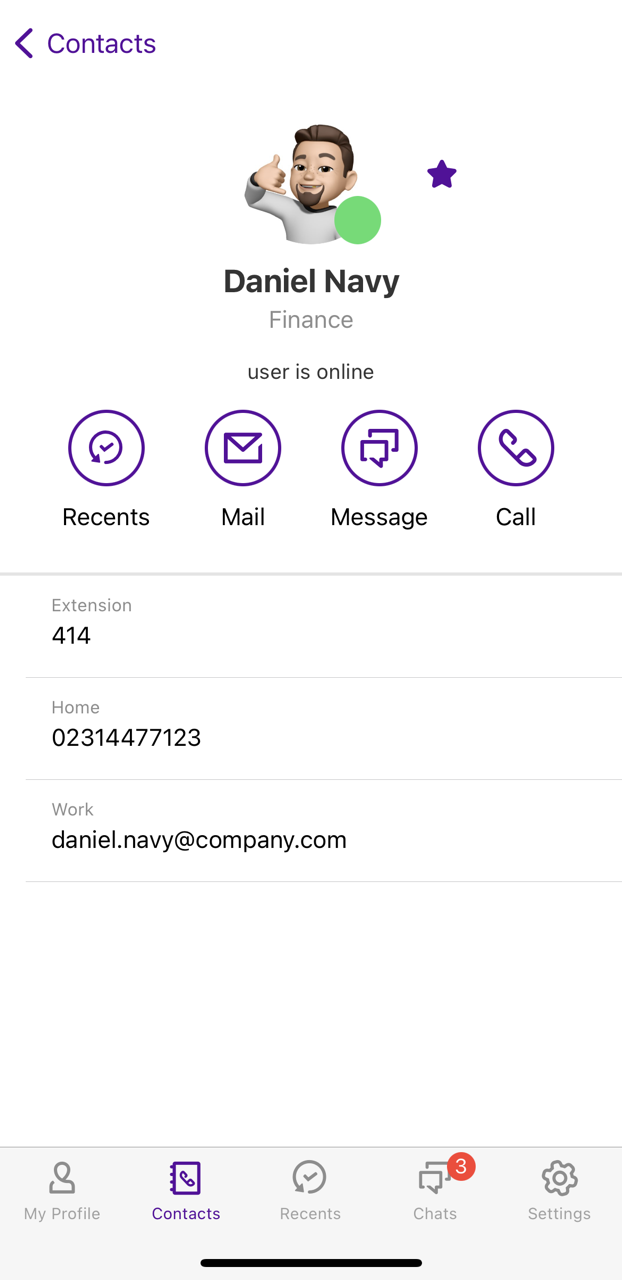 The contact is added to you favourites.More icons appear for the entry.
3 Tap  .
.
.The contact is added to you favourites.To remove contacts from your favourites
The contact profile of the contact is opened.3 In the contact profile, tap  .
.
.The contact is removed from your favourites.2 Tap  .
.
.Your favourites are listed. The favourites filter is active  .More icons appear for the entry.
4 Tap  .
.
.The contact will be removed from your favourites.