11.1.1 Call Analysis
During a call, you can launch Shomi to record and analyze the conversation and then generate a summary.
Make sure to inform the person you are speaking with that the call is being recorded and obtain their consent. For more information on data protection, please refer to 11.5 Privacy and the Use of AI Models Please also observe your company’s policies and the data protection laws of your country.
To have a call analyzed by Shomi
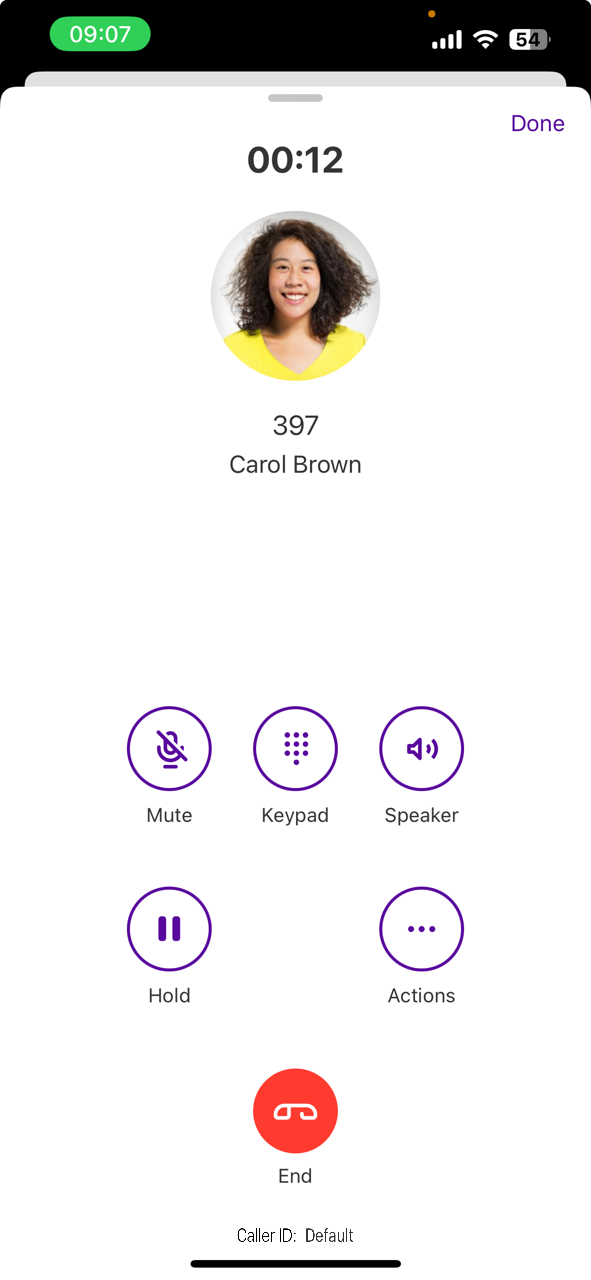
1 Tap on  .
. A notification appears. Depending on the settings and the country, both callers will hear an announcement stating that the recording has begun.
3 If you want to stop recording the call, tap  .
.Both parties will hear a beep indicating that the recording has ended.After a certain period, depending on the length of the call, the icon  appears in the call log entry.Shomi displays a summary of the call.
5 Tap  below the summary.
The Personal Assistant opens.Shomi replies. request a translationShomi translatesSend the summary to yourself via email
For more information on viewing and using summaries, visit 11.2 Transcripts and Summaries.
Shomi - The personal assistant is currently being further developed. Improvements may be implemented automatically. More options will be available soon.