4.3 Recents list
In the Recents section, all received and made calls are listed chronologically.
You can use the search field to search specifically for names or phone numbers within the list. Furthermore, the recents list has been enhanced and now displays additional information about group calls, call forwarding, and location data for unknown phone numbers.
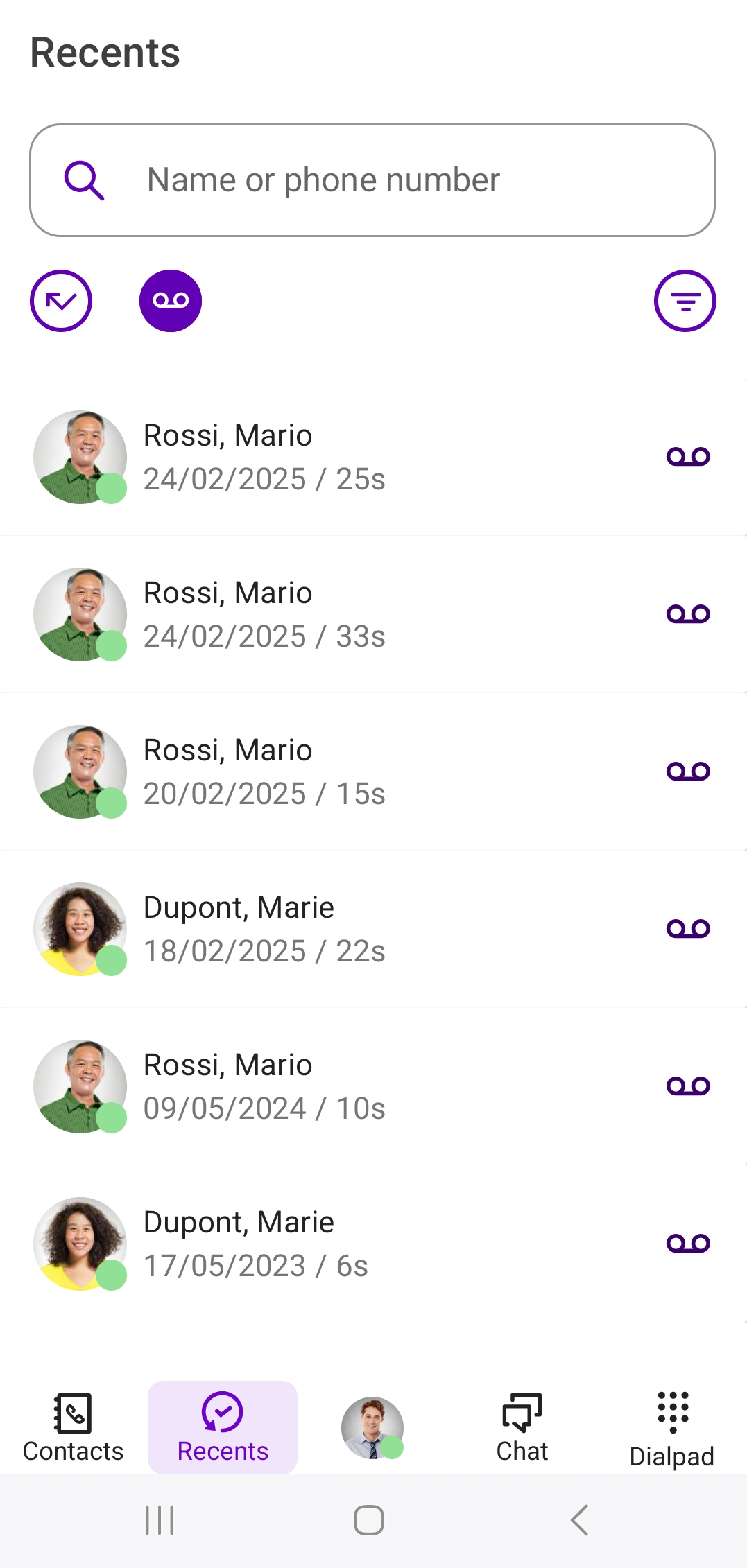
Detailed information is available for each entry, allowing you to clearly view all available information related to a call.
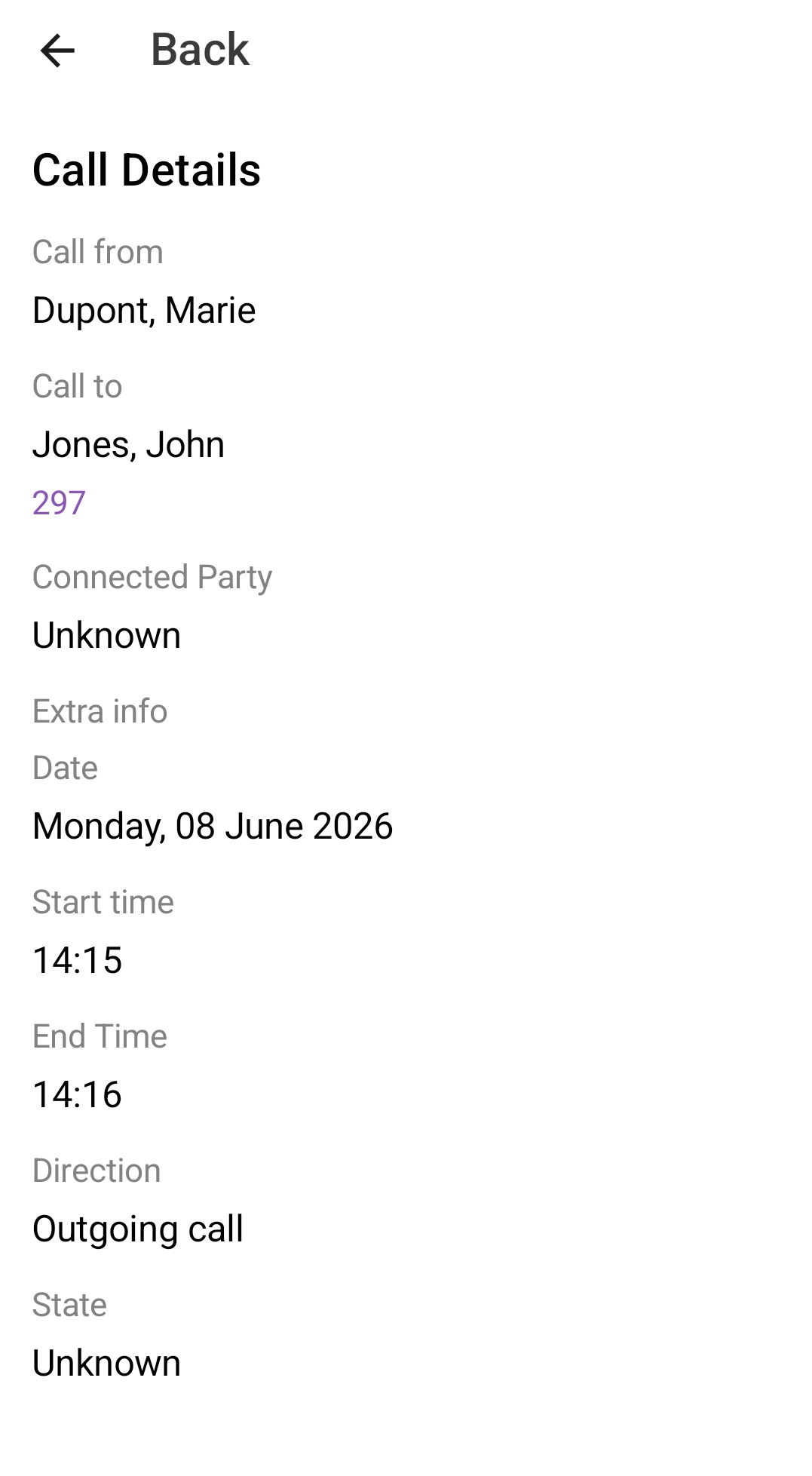
Additionally, you can filter the call list using the filter option by the following call types:
 Incoming callsOutgoing callsMissed callsVoicemails
If you have missed or declined calls, the number of missed calls is displayed in the bar next to Recents if the area is not in focus.
The data update of Swyx Mobile takes place automatically in cyclic intervals. To manually update your recents, drag down the contents of the list with your finger.